Hi lovely 🤍
Here's a scene I hear about constantly.
It's late. The website looks good — better than you expected, honestly. The photo you love is on the front page, the venue address is in, the FAQ page has real answers on it instead of the ones you meant to write. And there, in the corner of the screen, sits a button that says Publish Website.
And you don't click it.
You hover. Does it go out to everyone the second you press it? Is it live forever after that? The registry page still says TBD in one spot, and your mother-in-law is exactly the kind of person who finds things early.
So you close the laptop. The site sits there, finished and unpublished, for another eleven days.
If that's where you are, nothing has gone wrong. You built the thing. The last step feels like the biggest one because it's the first step other people can see, and being careful about that is a reasonable instinct.
I'd love to take the weight off that button, because it's carrying far more than it deserves.

Publishing isn't a launch. It's a save.
Here's what actually happens when you publish a Canva website: your design gets a web address. That's the whole event. No announcement goes out. No email lands in anyone's inbox. Nobody is standing at the other end of that button waiting to be notified.
Your site is live in the sense that the link works. It isn't live in the sense that anyone has seen it, because the only way a person reaches your wedding website is if you hand them the link yourself. Until you do, a published site is a quiet room with the lights on and the door shut.
Two things follow from that, and they change how the whole step feels.
You can publish before it's finished. A live page with a TBD on it harms nobody, because you're the only one who can see it. Publishing is not the same as announcing, and you control the announcing entirely.
Nothing about it is permanent. This isn't one shot. You'll edit and republish a dozen times between now and the wedding: the hotel block, the shuttle time, the FAQ answer you didn't think of until your cousin asked it at Thanksgiving.
Which means the belief underneath the hesitation, that the site has to be done before it's allowed to be live, is backwards. Fixing a live site is easy. Finishing an unfinished one is the hard part, and staying unpublished is what keeps it hard. Publishing early is what lets you repair things in ten-minute pieces instead of one dreadful Sunday.
Let's walk it through.
The five minutes it actually takes
Open your design in Canva. Toward the top right of the editor you'll see Publish Website. Click it, and a Website panel opens along the side of your screen.
Canva walks you the rest of the way:
- Choose your web address. A free Canva one, or a domain you already own. More on this in a second, because it's the choice people stall on.
- Select Continue to Publish. Canva shows you what it's about to do.
- Select Publish. A success message appears with your live link.
Copy that link somewhere you'll find it again — a pinned note on your phone, the top of your planning doc, wherever you actually look. You'll paste it more times than you'd guess.
That's it. The button you've been circling for a week is a five-minute errand with a cup of tea.
Your web address: free is genuinely fine
The one choice that stops people is the address itself.
Canva hands you a free one ending in my.canva.site, something like hannahandjose.my.canva.site. You can also connect a domain you already own, or buy a new one.
Free is fine. I want to say that plainly, because the wedding industry has spent a long time teaching us that the free version of a thing is the embarrassing version. Picture how your link is actually received: a guest opens a text on her phone while the kettle boils. She taps it, sees your names in the font you chose, finds the date and the address, and RSVPs. Not one guest in a hundred reads the URL. They read the page.
If the free address still bothers you, tidy it rather than replace it. Canva lets you rename the free domain from your Account Settings: find the domain, select View, then Edit. That's how wedding-site-final-final-v2 becomes hannahandjose, which is most of the battle right there. Canva Free lets you keep up to five live sites on the free domain, so there's room for the wedding, the shower, and one change of heart.
Your own domain earns its keep in a narrower case: when the address is going on something printed, or when you want it to feel like a keepsake you keep renewing. If that's you, enter the domain without the "www." and Canva walks you through connecting it. Should your domain provider not connect automatically, Canva gives you DNS records to copy across to it. Set aside a quiet twenty minutes for that, not a whole evening.
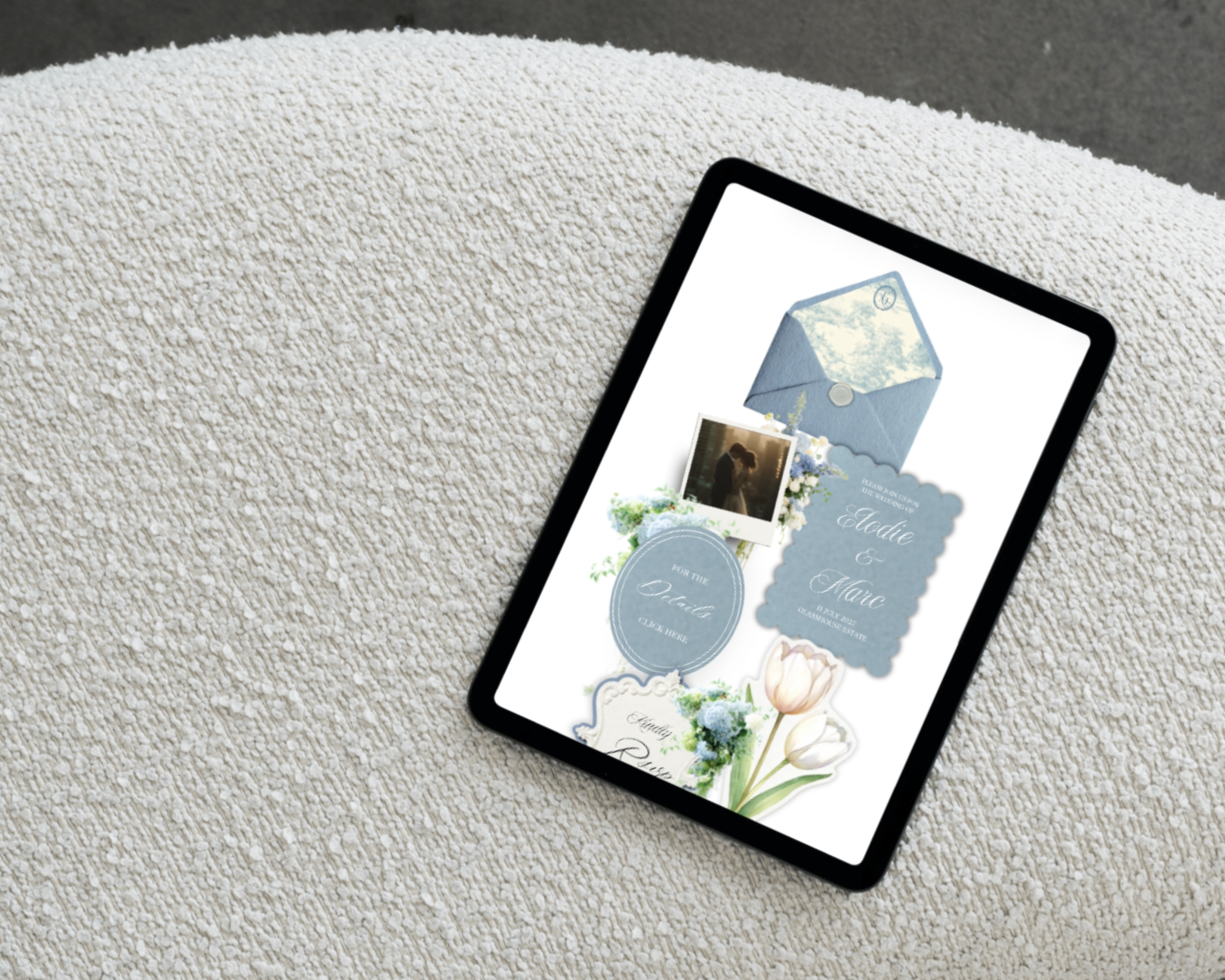
If you're still choosing a template while you read this, the fastest way to a wedding website in Canva covers the earlier stretch of this same road.
The one that trips up almost everyone: republishing
If I could print one line on a save-the-date, it would be this one.
When you edit a site that's already published, your changes don't go live until you publish again.
Here's how it gets people. You open the site, correct the ceremony time from 4:00 to 4:30, admire your excellent work, and close the tab. Meanwhile your guests keep seeing 4:00, because the version they're looking at is the one you published, not the one you edited. Nothing is broken and nothing is lost. Canva is holding your change in the design, waiting for you to say yes, that one, go.
So the rhythm to learn is short: edit, then Publish Website again, and you're done.
I'd build one small habit around it. After any change, open the live link on your phone and look. Not because Canva is unreliable, but because a five-second glance is what turns "I think I updated it" into "I know I did." That habit will save you one specific and very unpleasant phone call about a shuttle time.
The ten-minute pass before you share the link
Before the link reaches real humans, walk the site the way a guest will. Open the live URL on your phone, using the published link rather than the Canva preview. The two can behave differently, and the phone is where nearly all of your guests will meet this page.
Then go looking for the handful of things a guest actually came for:
- The date and the city, findable in about three seconds without scrolling into the weeds.
- The venue address, and a map link that opens the right pin. Tap it yourself and see where it lands.
- The RSVP. Click it as though you were a guest, follow it all the way to the end, and send yourself a test response so you can watch it land somewhere you'll actually see it. This is the page that quietly does the most work on your whole site, so give it the extra minute. If it's the part you're least sure of, how to collect RSVPs online is the deeper walkthrough.
- The dress code, in one plain line. It saves you a dozen texts.
- The navigation menu. Canva's built-in menu is deliberately simple, and its font and colours stay locked to the defaults. Rather than fight it, keep your page names short (Home, Details, Travel, RSVP) so nothing wraps awkwardly on a narrow phone.
For any page still sitting empty, the page-by-page guide has the words for every one of them, and the FAQ post has twenty answers you're welcome to steal outright.

Now the part nobody writes for you: sharing the link
You have a link. What you don't have, at 11pm on a Tuesday, is the sentence that goes around it — and that blank text field is where a lot of finished websites go to sit for another week.
So here are the words. Copy the one that fits, change two of them, send it.
On a save-the-date:
Save the date — Hannah & Jose, September 12, 2026, in Asheville, NC. Everything you'll need is here: hannahandjose.my.canva.site Formal invitation to follow. We can't wait to celebrate with you.
For the group chat:
Our wedding website is up 🤍 Date, venue, hotels and the RSVP are all on it: [link] More will land there as we go — the site's the place to check.
In an email to family, who'll want the detail:
Hi everyone, We've put a website together with all the wedding details in one place, so nobody has to chase us for an address or a hotel name: [link] You'll find the date and venue, travel and where to stay, what to wear, and the RSVP. We'd love your RSVP by June 1 so we can give the venue a count. Any question the site doesn't answer, please ask us — and we'll add the answer for everyone else too. With love, Hannah & Jose
On the invitation itself:
For travel, accommodations, and to RSVP, please visit: hannahandjose.my.canva.site
When you've updated something and you'd like people to look again:
Quick one — we've added the hotel block and the shuttle times to the website: [link] Rooms are held under our names until August 1. We'd love to see you there.
For the guest who asks you the same question five separate times:
Good question — I've added it to the FAQ on the site so it's there whenever you need it: [link]
That last one is my favourite piece of quiet strategy. Every time you answer a question on the site rather than in a text, you retire that question permanently. Answer it once at 11pm; never answer it again.
The link exists. You made it.
Somewhere in the next few days you're going to send that link to somebody who loves you, and they're going to text back three exclamation marks and a heart. That's the actual moment. The button was never the moment.
And when the shuttle time changes in August, you'll open the site, fix the line, press publish again, and get on with your evening. That's what being published buys you: not a finished wedding, but a place to put things down, so they stop living in your head.
You didn't get priced out of this. You didn't hire anyone. You built a real website for your wedding, and it's live, and it's yours.
Made it yourself. Looks like you didn't.
Go press the button, lovely.
🤍
If you'd rather not build the pages from a blank canvas at all, that's exactly what the templates are for. Every page is pre-written and pre-formatted, the RSVP is already wired in, and publishing works precisely as described above. Have a look whenever you're ready: easyaislestudio.com. And if you're doing all of this around a full-time job, the one-evening setup plan is built for exactly that week.