Here's a fun little wedding planning fantasy: you send out your save-the-dates, guests click a link, fill out a quick form, and boom — your headcount is done. No spreadsheets, no chasing down your aunt who "definitely replied but maybe to the wrong email," no sticky notes everywhere.
Here's the reality for most couples: the RSVP process becomes a second job. People miss the deadline. Others say yes and then ask if they can bring a plus-one you never offered. Someone RSVPs for four when you invited two. And somehow, your future mother-in-law is calling you every three days with updates.
The good news? A well-set-up online RSVP system genuinely fixes most of this. And learning how to collect RSVPs online is way easier than you'd think—this guide walks you through it, step by step.
Why Online RSVPs Just Work Better
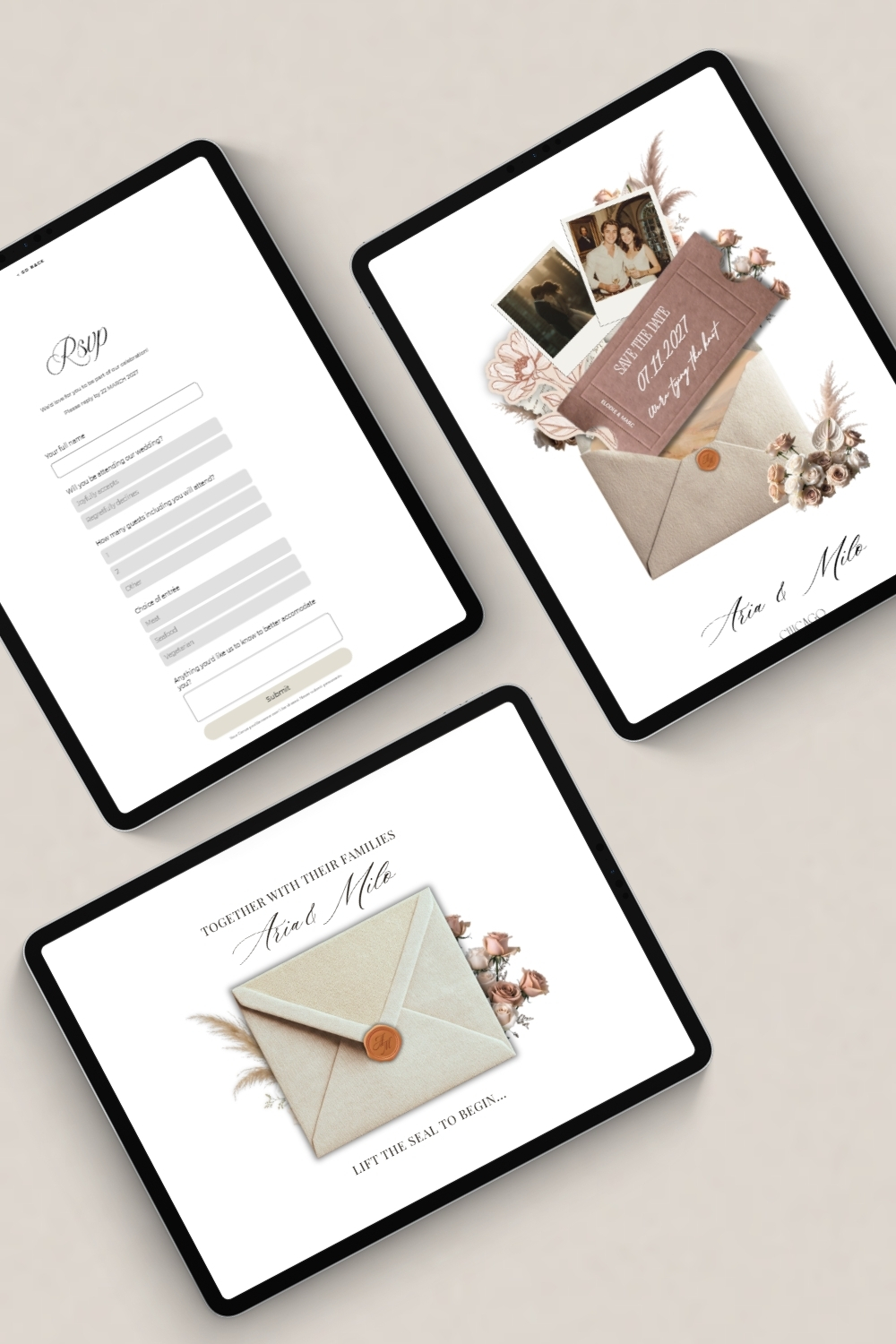
Before we get into the how, let's just take a second to appreciate the "why." Traditional paper RSVPs have a return rate of somewhere around 60-70% — meaning you'll spend weeks following up with the remaining 30% anyway. Online RSVPs, when set up correctly, typically see much higher response rates because the barrier to respond is so low. Your guests are already on their phones. One click, two minutes, done.
You also get the data in real time. No waiting for envelopes to trickle in, no squinting at bad handwriting trying to figure out if someone wrote "beef" or "beet." Your RSVP count updates the moment someone submits, and you can check it any time from your phone.
Pro tip: Set your RSVP deadline on your website two weeks earlier than the date you actually need numbers for your caterer. You'll still get stragglers right up to the deadline, and this gives you buffer time to chase them down without panicking.
What to Actually Include in Your Online RSVP Form
This is where a lot of couples either over-engineer things or leave out something important. Here's what your RSVP form actually needs:
The basics are obvious — name, attending yes or no, and how many people are in their party. But it's worth thinking through the details a little more carefully than that.
If you're offering a meal choice, list the exact options and keep the descriptions short. "Herb-crusted salmon" is clearer than "the fish option." If you have guests with dietary restrictions, add a short open-text field like "Any allergies or dietary needs we should know about?" You don't need a long dropdown list of every possible restriction — a simple text box covers everything.
For the guest count field, be specific. If someone is invited solo, don't give them a field that lets them enter "3." The easiest way to handle this is to personalize your RSVP link so it's pre-filled with their name — or at minimum, add a note like "This invitation is for [Name] + 1 guest" directly on the form.
If you want a song request field (and honestly, guests love these — it's a fun little touch), keep it optional. Something like "Song request for the dance floor?" with a small "skip if you'd like" note next to it works perfectly.
How to Word Your RSVP Page
The wording on your RSVP page sets the tone. You want it to feel warm and personal, not like filling out a government form.
Here's a sample introduction you can customize:
"We can't wait to celebrate with you! Please RSVP by [Date] so we can make sure everything is perfect. If you have any questions, reach out to us at [email]."
Short, friendly, tells them exactly what they need to do. If you want to add a little personality, go for it:
"We've got the champagne chilling and the playlist ready — we just need to know if you're coming! Please RSVP by [Date]."
After the form, your confirmation message matters more than people realize. When a guest hits "submit," they should see something warm and clear — not just a generic "Form submitted." Try something like:
"You're on the list! We're so excited to celebrate with you. See you on [Wedding Date]!"
If someone RSVPs "no," acknowledge that too:
"We'll miss you! Thank you so much for letting us know. We'll be thinking of you on our big day."
Pro tip: If your website builder lets you send an automatic confirmation email after someone RSVPs, turn that feature on. It gives guests peace of mind that their response went through, and cuts down on "did you get my RSVP?" messages significantly.
Handling Plus-Ones Without the Chaos
The plus-one question is where online RSVPs can get messy if you haven't thought it through. Here's a practical way to handle it depending on your situation.
If everyone gets a plus-one, your form can simply say "How many guests in your party? (Max 2)" and leave it at that. Easy.
If plus-ones are selective — some guests get one, some don't — the cleanest solution is to add a note directly on your RSVP page that says something like: "If you were extended a plus-one, their name will be pre-filled below. If you have questions about your invitation, please reach out to us at [email]." This sets expectations upfront and gives guests a clear path if they're confused, without opening a free-for-all.
If you're not offering plus-ones at all, a simple, friendly line on the page does the work: "Due to our intimate venue, we're only able to accommodate the guests named on each invitation. We appreciate your understanding so much."
Saying it on the website is better than awkward conversations later. Trust the process.
Kids or No Kids: Saying It Clearly Without Saying It Awkwardly
The "are kids invited?" question is one of the most common things couples stress over communicating. And the answer is: just say it directly, kindly, on your RSVP page (and ideally your FAQ page too).
If kids are invited, great — you might include a field for "Number of children in your party" so you can give your caterer a heads-up.
If it's adults-only, something like this works beautifully:
"We love your little ones, but we've made this an adults-only celebration so everyone can let their hair down. We hope you're able to arrange childcare and join us for the fun!"
Warm, clear, no room for misunderstanding. You can also add a line acknowledging that this might mean some guests can't make it: "We completely understand if this means you're unable to attend — we'll miss you either way."
Pro tip: Put your kids policy in both your RSVP section and your FAQ page. Guests often check the FAQ first when they have questions, and you'll want the answer to be easy to find.
Managing Your RSVP Deadline (Without Becoming a Nagging Machine)
Set a deadline. Then actually enforce it — or at least appear to.
Your RSVP deadline should live in multiple places: on your save-the-date, in your formal invitation, and prominently on your wedding website. A good rule of thumb is 4-6 weeks before the wedding, though destination weddings or venues with strict catering minimums sometimes need longer.
Once the deadline passes, you'll inevitably have stragglers. A simple, friendly follow-up goes a long way. You can draft a message like this to send to non-responders:
"Hey [Name]! Just checking in — we want to make sure you saw our RSVP deadline. We'd love to have you there and just need your response by [Date] to finalize our headcount. No worries if you can't make it — just let us know either way!"
Keep it light. Don't guilt-trip. Most people genuinely forgot or got busy, not ignored you on purpose.
If you're managing RSVPs through your wedding website, you should be able to see exactly who has and hasn't responded, which makes the follow-up process so much more targeted. No more texting twelve people when only three haven't replied.
What to Do with Your RSVP Data Once It's All In
Once the RSVPs are rolling in, don't let that data just sit there. Export it or organize it into a simple spreadsheet with columns for guest name, attending (yes/no), number of guests, meal choice, dietary restrictions, and song request. This becomes your source of truth for the next few months of planning.
Share the relevant parts with your caterer, venue coordinator, and anyone else who needs headcount information. Keep a running total of confirmed guests and check it against your seating chart as you build it out.
And the song requests? Compile those into a shared playlist doc and hand it over to your DJ or band. It's a small thing that makes guests feel seen, and it almost always results in a better dance floor.
Pro tip: Create a duplicate tab in your spreadsheet called "Dietary Restrictions" and copy just those entries there. When you're in a meeting with your caterer three weeks before the wedding and they ask "so how many vegan meals do we need?", you'll have it right there without digging.
Making the RSVP Experience Feel Like You
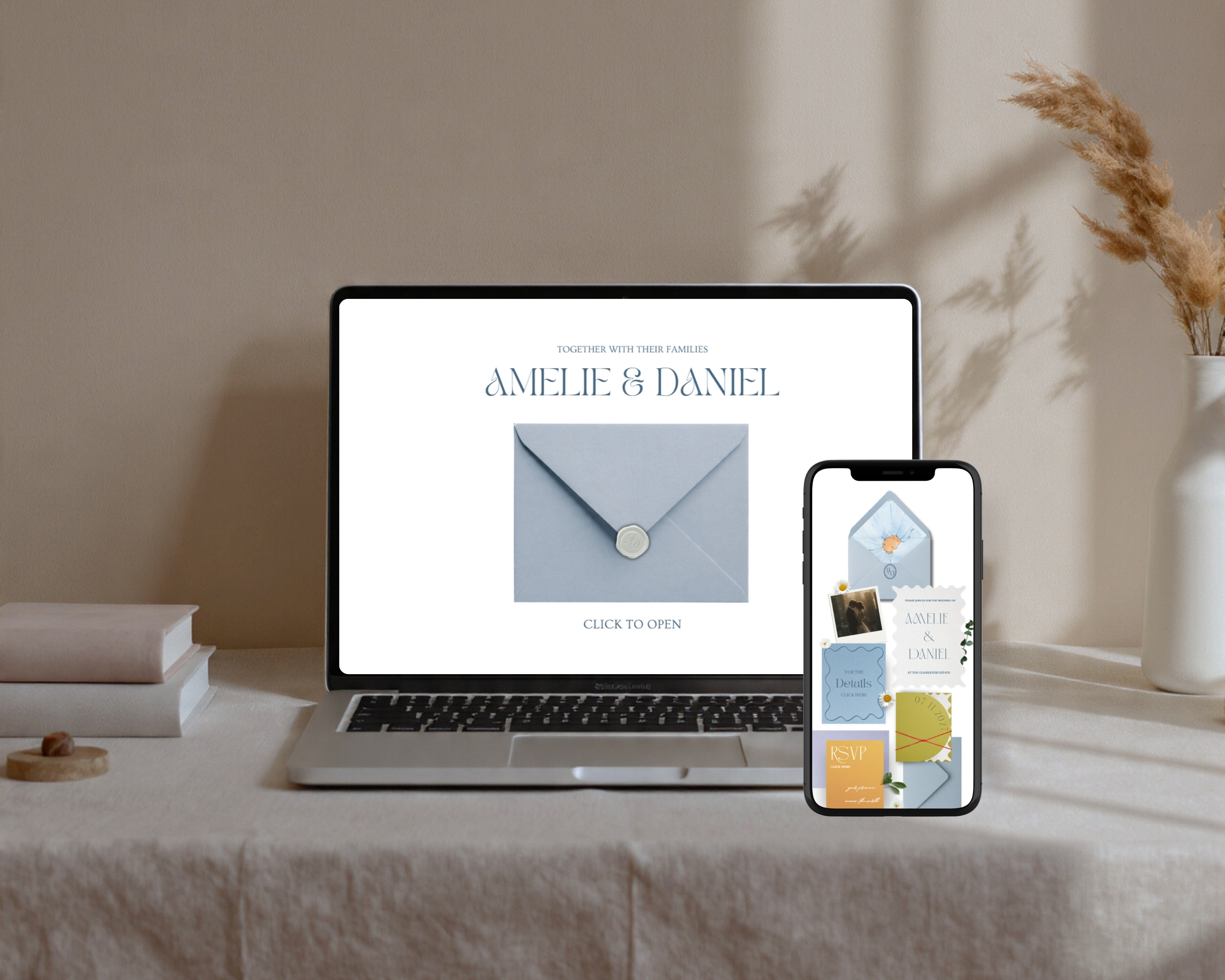
Here's the thing most couples don't think about: your RSVP page is part of your guests' experience of your wedding, starting months before the day itself. If your wedding is warm and personal, your RSVP page should feel that way too. If your vibe is sleek and modern, let that show.
The words, the colors, the little details — they all add up. A form that looks beautiful and feels intentional tells your guests "these people care." And that care trickles all the way through to the day itself.
That's exactly why starting with a well-designed template makes such a difference. When the bones are already beautiful, you're not spending your energy making it look good — you're spending it on the details that actually feel like you. Things like your welcome message, your meal options, your little song request prompt that quotes a lyric from your song.
If you're ready to set up your RSVP page (and the rest of your wedding website) without starting from scratch, browse our collection of Canva wedding website templates. Each one includes a dedicated RSVP section that's ready to customize — no design experience needed, and no afternoon lost trying to make a form look presentable.
Your guests will thank you. And honestly? So will your future self.