Your wedding isn't just a Saturday anymore.
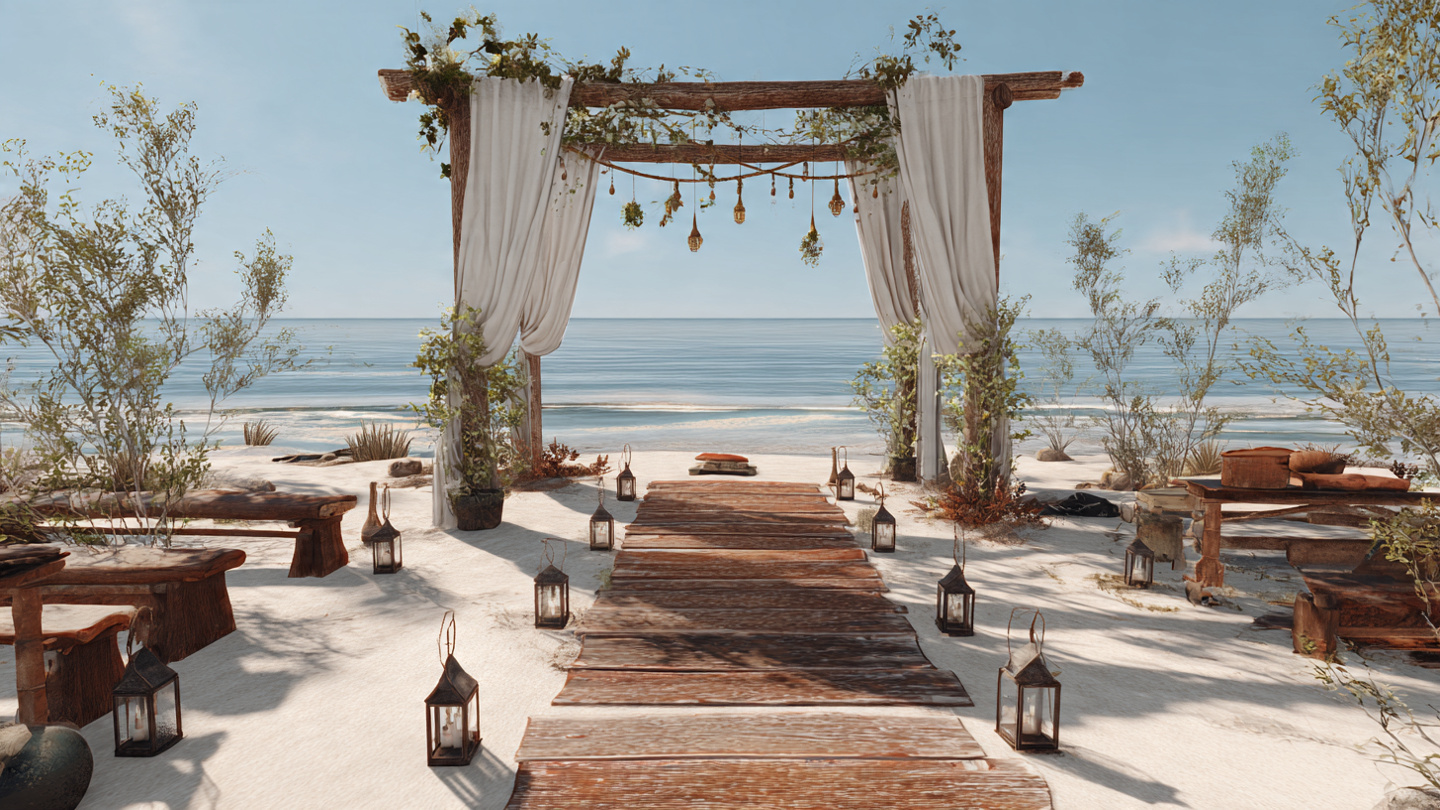
More and more couples are turning their wedding day into a wedding weekend — a welcome party on Friday, the ceremony and reception on Saturday, a recovery brunch on Sunday. Sometimes there's a rehearsal dinner in there too. Maybe a group activity for out-of-town guests who've flown in and don't know what to do with themselves on Friday afternoon.
It's a lot. And if you're relying on a paper invitation to communicate all of it, you're already behind.
Your wedding website is the only tool that can handle a multi-day wedding weekend the way it deserves. It's where your guests can find every event, every dress code, every logistical detail — all in one place, updated in real time, accessible on their phone at 11pm when they're trying to figure out where to be tomorrow morning.
This post walks you through exactly how to set up your wedding website for a multi-day wedding weekend: which pages to build, what to write on each one, and the ready-to-use copy that will keep your guests informed and your inbox quiet.
Why Your Wedding Website Does This Better Than Any Other Tool
Let's be honest about the alternatives.
A printed weekend itinerary slipped into a hotel welcome bag reaches only the guests staying at your room block — and gets left on the nightstand by Sunday. A group text turns into 47 unread messages. A PDF attached to an email gets lost, re-forwarded, and misread.
Your wedding website is the one place every guest can return to, from any device, at any point in the weekend. It's living and updatable — if your welcome party start time shifts by 30 minutes, you change it once on the site instead of texting 80 people. And it handles the complexity of multiple events, multiple dress codes, and multiple locations in a way that a single printed card simply can't.
If you're still building out the foundation of your site, our complete page-by-page guide to wedding website wording covers every core section you need before you layer in multi-day content.
Step 1: Build a Dedicated Weekend Schedule Page
For a single-day wedding, your event details can live on a general "Details" page. For a multi-day weekend, you need a dedicated schedule page — something guests can scan quickly to understand the full picture at a glance.
Think of it as a weekend itinerary, not just a reception timeline. Each event gets its own block with the key information: name, date, time, location, and dress code.
Here's a simple structure that works:
Your Weekend With Us
We're so glad you're here. Here's everything happening over the next few days — save this page so you have it handy all weekend.
Friday, September 12
Welcome Drinks 7:00 PM — 10:00 PM The Rooftop at The Langham, 123 Main Street Dress code: Smart casual — think a nice blazer or a summer dress. Come as you are after your travels.
Saturday, September 13
Ceremony 4:00 PM Doors open at 3:30 PM — please arrive early. Rosewood Gardens, 456 Garden Lane Dress code: Cocktail attire. The ceremony is outdoors on a lawn, so we recommend block heels or wedges over stilettos.
Reception Immediately following the ceremony Rosewood Gardens Ballroom Dinner, dancing, and an open bar until midnight.
Sunday, September 14
Farewell Brunch 10:30 AM — 12:30 PM The Garden Room at Hotel Ivy, 789 Elm Street Dress code: Casual — come exactly as you are.
Brunch is open to all guests. No RSVP required — just show up.
A few things to notice in that example. Each event has its own dress code spelled out in plain language, not just a label. The lawn note under the ceremony is practical and saves someone a ruined pair of shoes. The brunch note removes the friction of wondering whether a separate RSVP is needed.
Step 2: Write a Separate Dress Code Section for Each Event
One of the biggest mistakes multi-day couples make on their wedding website is listing a single dress code for the whole weekend. But your Friday welcome party probably has a different vibe than your Saturday ceremony — and your guests need to pack accordingly.
Give each event its own dress code explanation, even if it's just one or two sentences. Here are ready-to-use examples for the most common event types:
Welcome Party / Welcome Drinks
Dressy casual — polished but relaxed. Think a nice dress or a blazer with dark jeans. You've just traveled. We want you to feel comfortable.
Smart casual. The bar has a rooftop terrace so a light layer is a good idea. Come ready to relax and meet some people.
Rehearsal Dinner
Semi-formal. A cocktail dress or a suit and tie both work perfectly. This is an intimate dinner — dress like you're going to a nice restaurant.
Elevated casual — think blouses, dress pants, midi skirts. Not quite as formal as the wedding, but a step up from everyday.
Ceremony and Reception
Black tie optional. Gowns, tuxedos, and formal cocktail attire are all welcome. The ceremony is indoors and air-conditioned, so a jacket or wrap is a good idea.
Cocktail attire. We're asking guests to avoid white and ivory so we can make sure the bride stands out. Everything else goes.
Morning-After Brunch
Casual — truly. Jeans, sundresses, whatever you're comfortable in. Mimosas will be waiting.
Come as you are. If you've already checked out of your hotel, don't worry about it. Comfortable clothes are the dress code.
For a deeper dive into dress code wording across every formality level, our post on what to write on your wedding website travel page.
Step 4: Set Up RSVPs for Each Event Separately
This is where a lot of multi-day couples get tripped up. If you have a welcome party or a farewell brunch that isn't open to all guests — or if you need headcounts for catering — you need a way to collect RSVPs for each event independently.
A few options, depending on your setup:
Option 1: A single RSVP form with checkboxes per event
Please RSVP for each event you're able to attend: ☐ Friday Welcome Party (7:00 PM) ☐ Saturday Ceremony and Reception (4:00 PM) ☐ Sunday Farewell Brunch (10:30 AM)
Option 2: Separate RSVP forms per event Works well if different groups of guests are invited to different events. You can link to each form from the relevant event description on your schedule page.
Option 3: One RSVP form for the wedding, with a note about the brunch If your brunch is casual and open to all, you don't need a formal RSVP for it — just note that it's open-door:
Sunday brunch is open to all guests — no RSVP needed. Just come hungry.
For a full walkthrough of RSVP form setup and wording, our post on how to collect RSVPs online covers everything from meal choices to dietary restrictions.
Step 5: Add a Frequently Asked Questions Section for Weekend-Specific Questions
A multi-day wedding weekend generates a specific category of guest questions that a standard FAQ page doesn't anticipate. Here are the ones worth answering upfront:
"Do I need to attend every event?"
Not at all. Each event stands on its own and attendance is completely up to you. We hope you can make it to everything, but we understand if travel makes that tricky.
"Is the welcome party / brunch only for certain guests?"
[If it's open to all:] Yes — the welcome party is open to all wedding guests. We'd love to see you there. [If it's limited:] The welcome party is for out-of-town guests and wedding party members. The ceremony and reception are where we'll all be together.
"What if my travel is delayed and I miss Friday's event?"
Please don't stress about it. Text [contact name] if you're running into travel trouble and we'll make sure you're taken care of. The most important part is that you make it to Saturday.
"Is there anything planned for Friday afternoon for guests who arrive early?"
We've put together a short list of our favorite spots in [city] — restaurants, coffee shops, and things to do. Check out the Local Guide section of this site for our recommendations.
That last one leads to a genuinely useful add-on for destination or destination-adjacent weddings: a local guide page with a curated short list of places to eat, drink, and explore near the venue. It takes 20 minutes to write and saves your out-of-town guests hours of Googling.
One Final Thing: Update Your Site as the Weekend Gets Closer
A multi-day wedding website isn't something you build and forget. It's a living document — and the closer you get to the weekend, the more useful it becomes for your guests.
A few things worth updating in the final weeks:
- Confirm shuttle pickup times once they're locked in
- Add a weather note if you're watching a forecast ("Saturday is looking sunny and warm — the outdoor ceremony is on!")
- Add a day-of contact number for guests who need help navigating
Your guests will check your website more than you think in the 48 hours before the wedding. Make it worth the visit.
If you're starting from a template and want something that handles multi-page layouts, multiple event sections, and clean schedule formatting out of the box, browse the Easy Aisle Studio template collection — every template is designed to flex with the complexity of your weekend.
Planning a wedding weekend with guests coming in from out of town? Pair this post with our guide to what to write on your travel and accommodations page and our FAQ page wording guide for complete coverage.